Validating and Submitting the Drawback
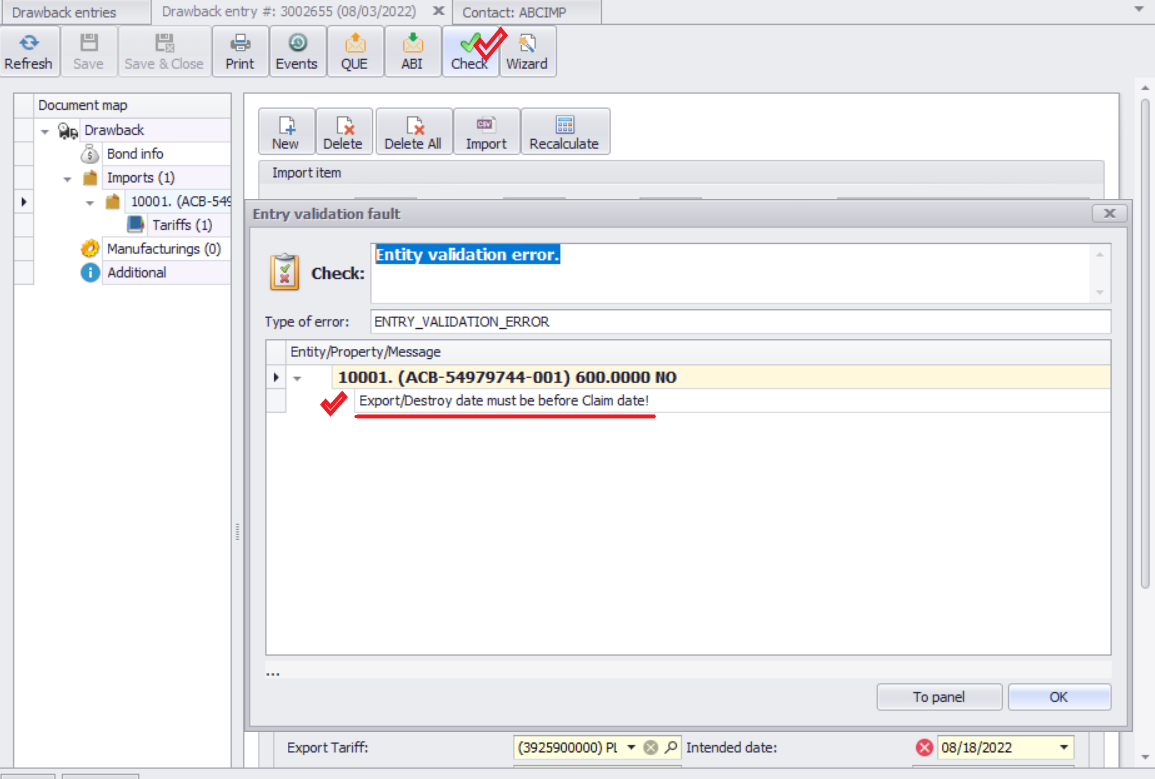
1.After saving the drawback, click Check to perform an internal validation before submitting it to Customs.
2.If any data is invalid, an error screen will appear.
oDouble-click on an error message, and the system will navigate you to the field that needs correction.
3.Example: The system may prevent submission if the Export Date is later than the current date.
oDrawback claims can only be submitted after the export has physically occurred.
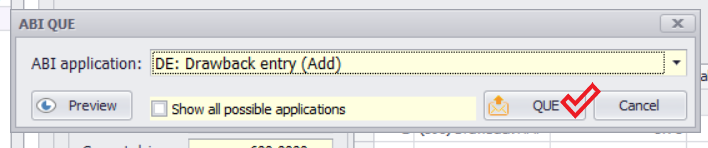
4.Once the validation passes, click QUE and submit the drawback claim.