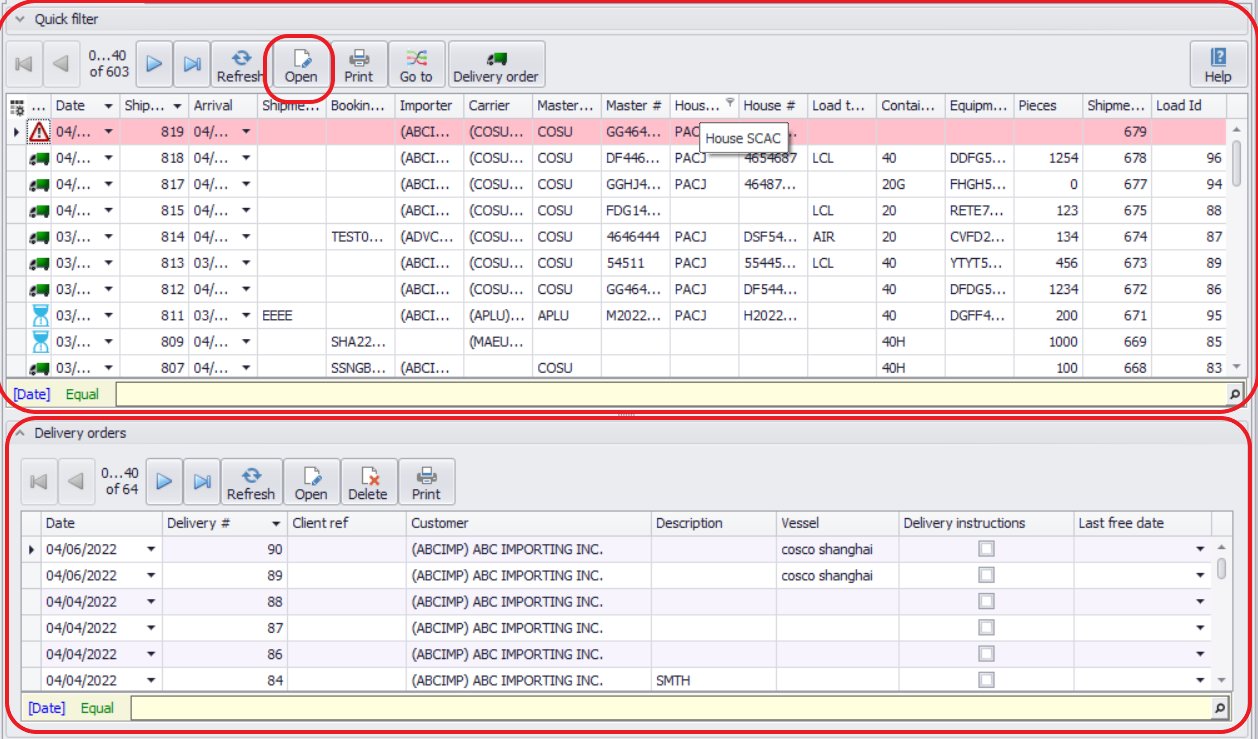
The DO Grid displays all shipments created in the system, regardless of whether a Delivery Order (DO) exists.
Before Creating a DO
Before creating a Delivery Order, you must add container information in the Cargo section of the shipment.
Steps:
1.Highlight the relevant shipment.
2.Click the Shipment icon in the top menu.
3.Enter the required container details in the Cargo section.