For improving our system security we made a change to the passwords requirements.
New password requirements are:
1.Minimum length 8
2.At least one lower case letter
3.At least one upper case letter
4.At least one number
5.At least one special symbol (@, #, $, %, !)
6.Change user passwords at least once every 90 days
7.Do not allow an individual to submit a new password that is the same as current
8.Limit repeated access attempts by locking out the user ID after more than ten attempts. Set the lockout duration to a minimum of 30 minutes or until an administrator enables the user ID.
All users now have the password change date assigned in the system. At the day when the password expires and you try to log in to SMS shell you will get this message:
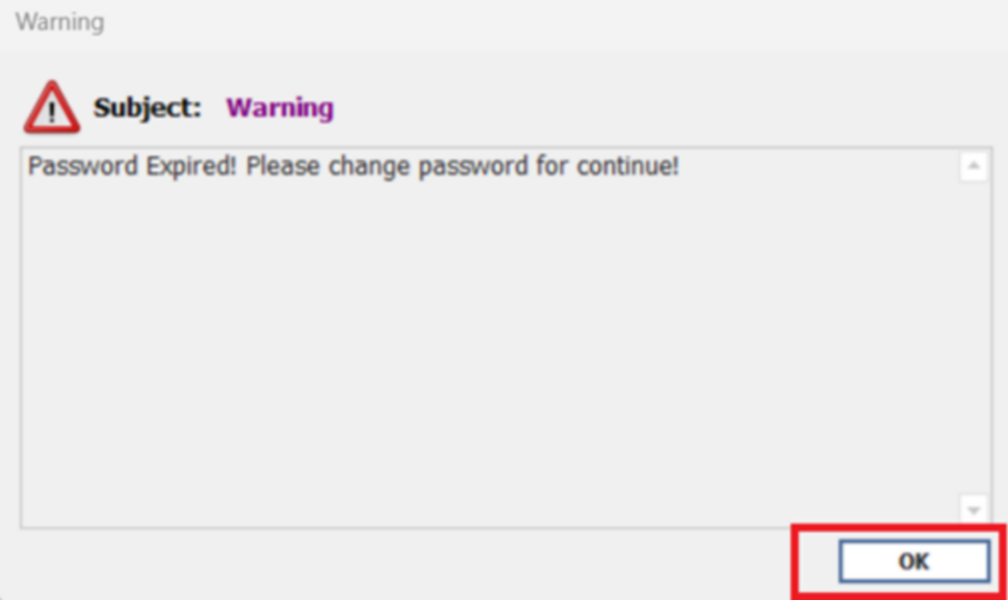
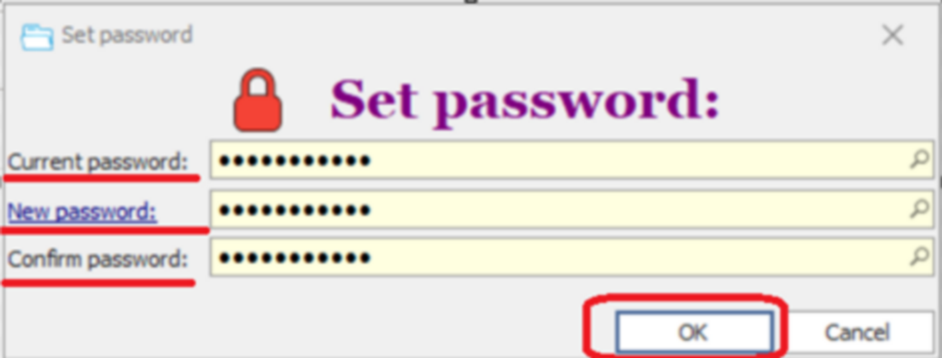
You need to hit OK and set up the new password as below:
If you don’t remember your current password you can go back to log in screen and look it up here:
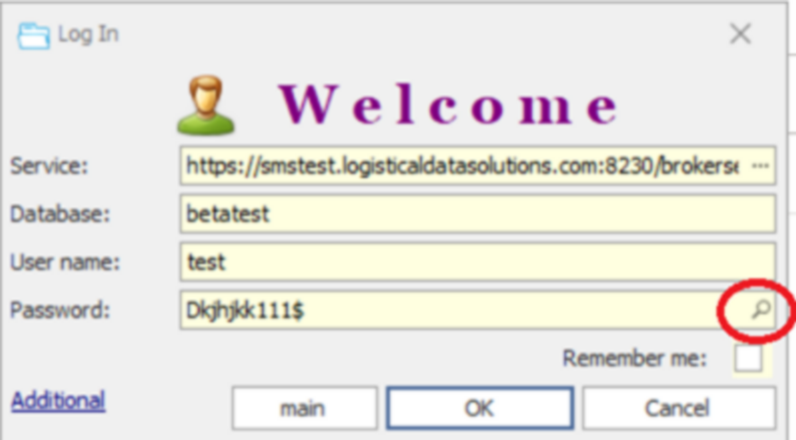
After the password is changed don’t forget to set flag Remember me.