Changing Payment Type
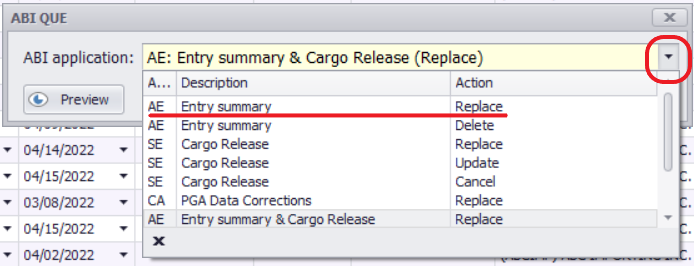
•To update the payment type from Type 1 (Check) to Types 2, 3, 6, or 7 (Statement): QUE Entry Summary Replace.
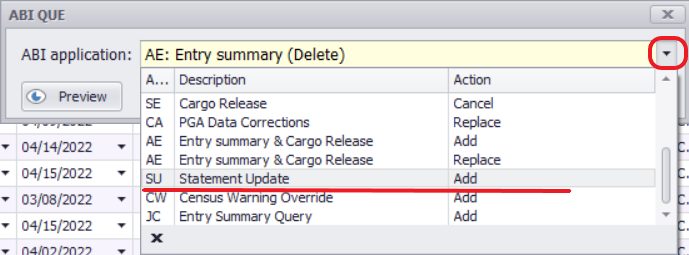
•To update the payment type from 2 to 3, 6, or 7: QUE Statement Update.
Deleting an Entry from a Statement or Changing Statement Print Date
•Update the statement print date as needed and QUE Statement Update.
Important Note
If you have already received the statement but need to update values or other entry summary information:
1.Delete the entry from the current statement by changing the payment date to tomorrow and QUE Statement Update.
2.Update the entry as needed.
3.QUE Entry Summary Replace to reflect the changes.